-
Download Electrum LTC from the official website: https://electrum-ltc.org/
-
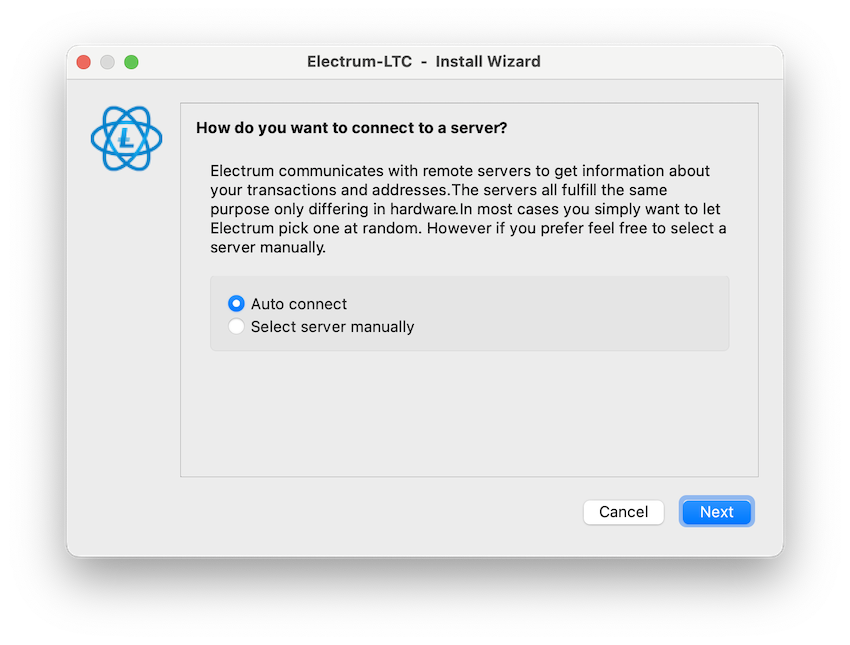
Connect to the server: Choose “Auto connect” to let the app select the best server for you.
-
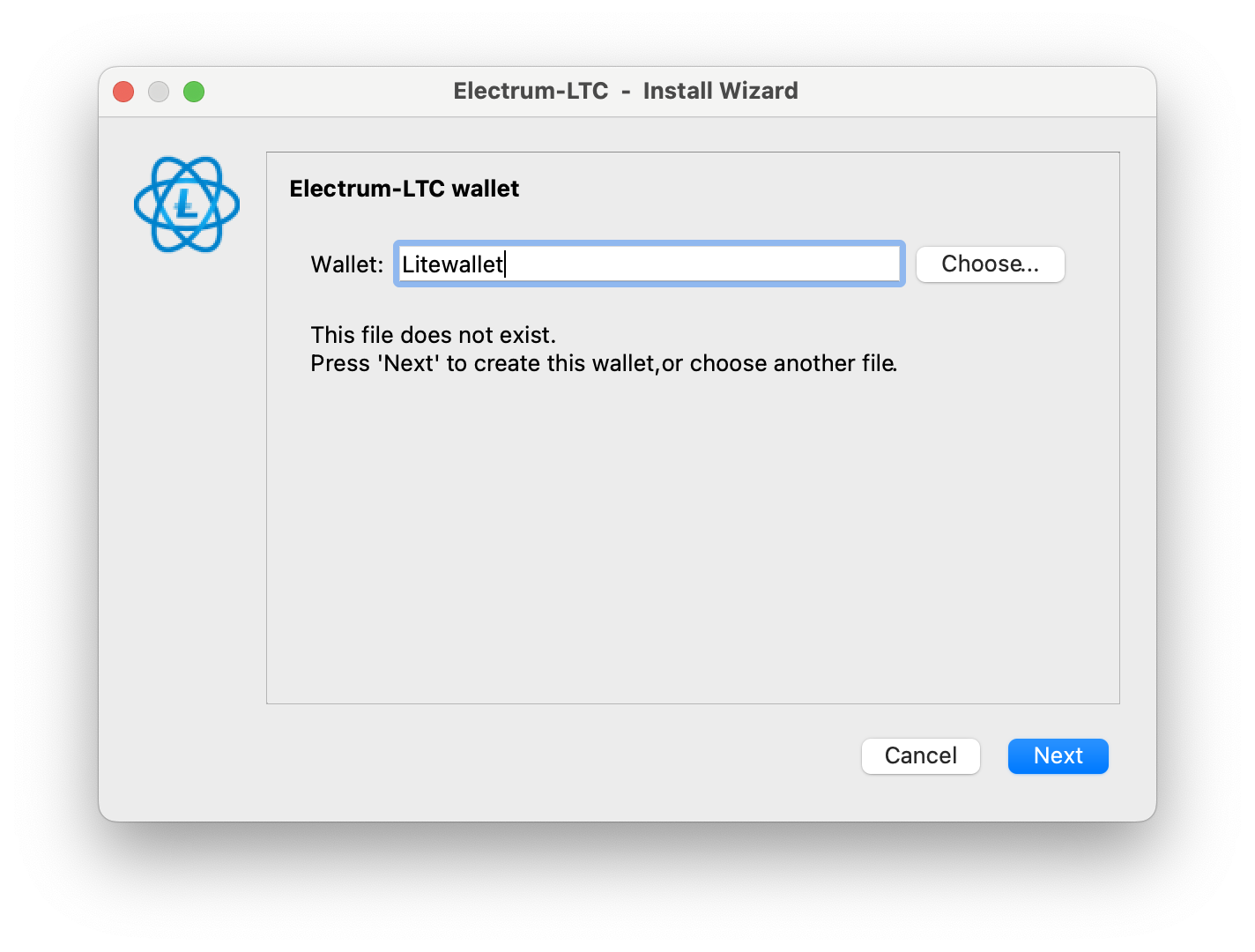
Create a new wallet: Write the name you want for your wallet.
-
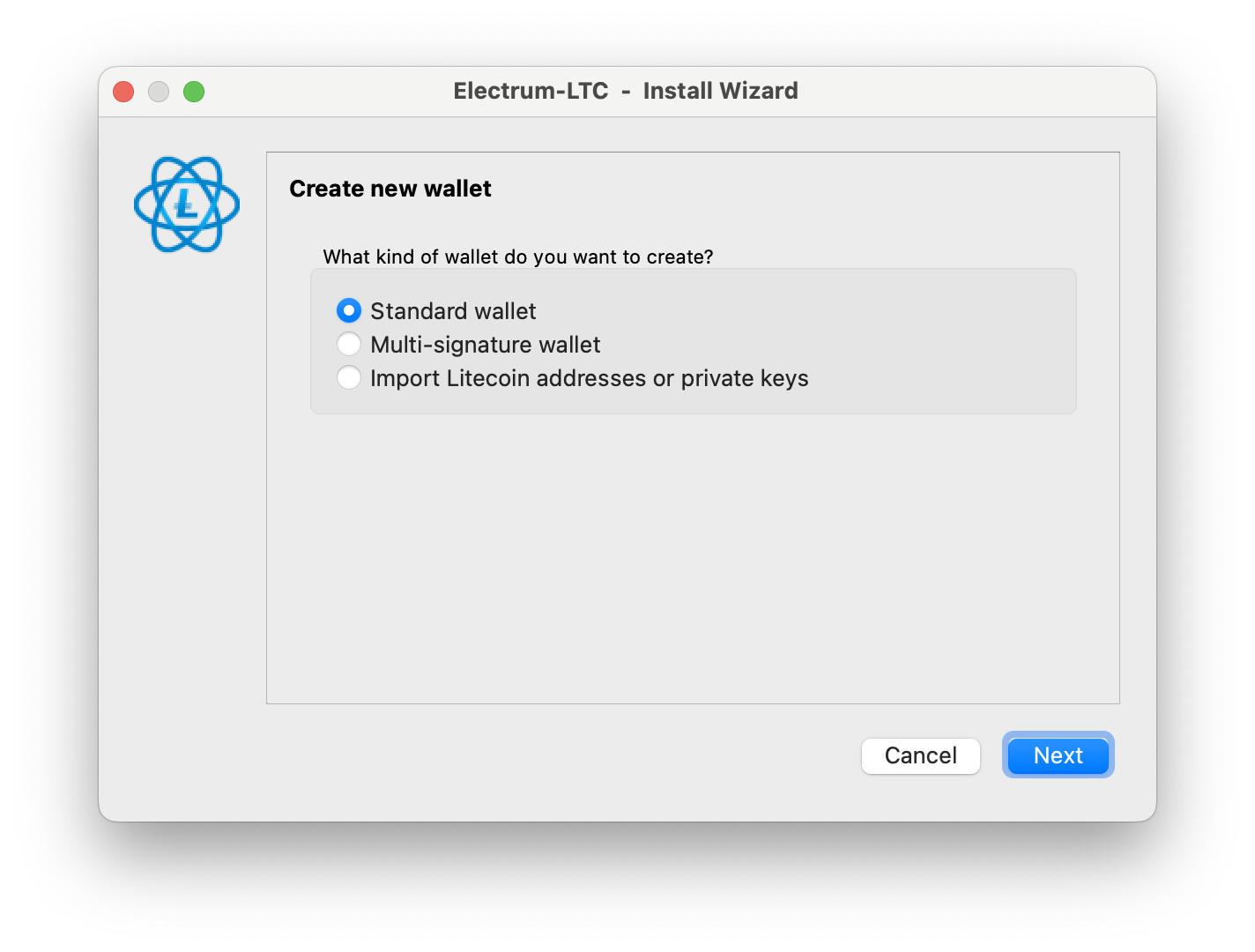
Select "Standard wallet".
-
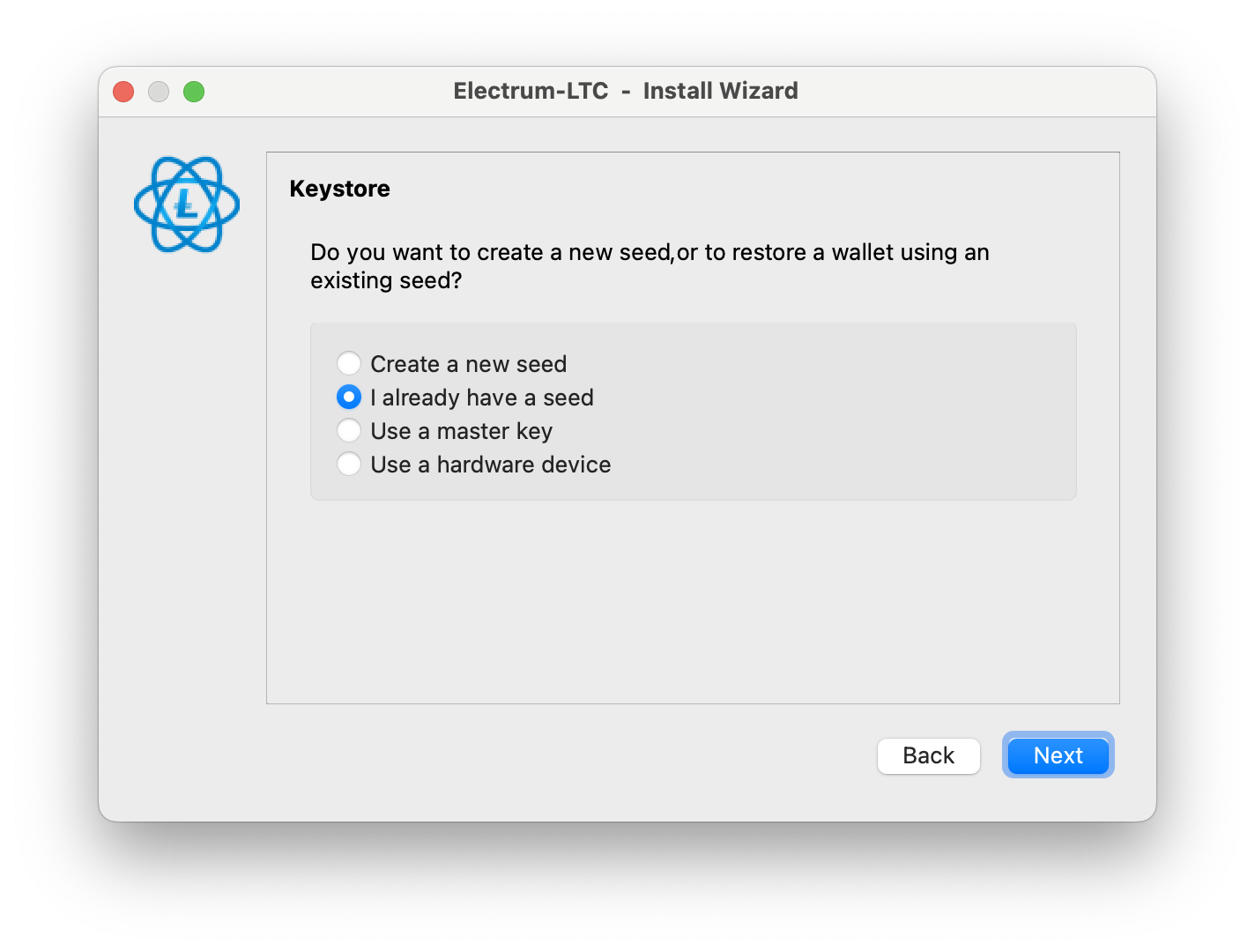
Select “I already have a seed”.
-
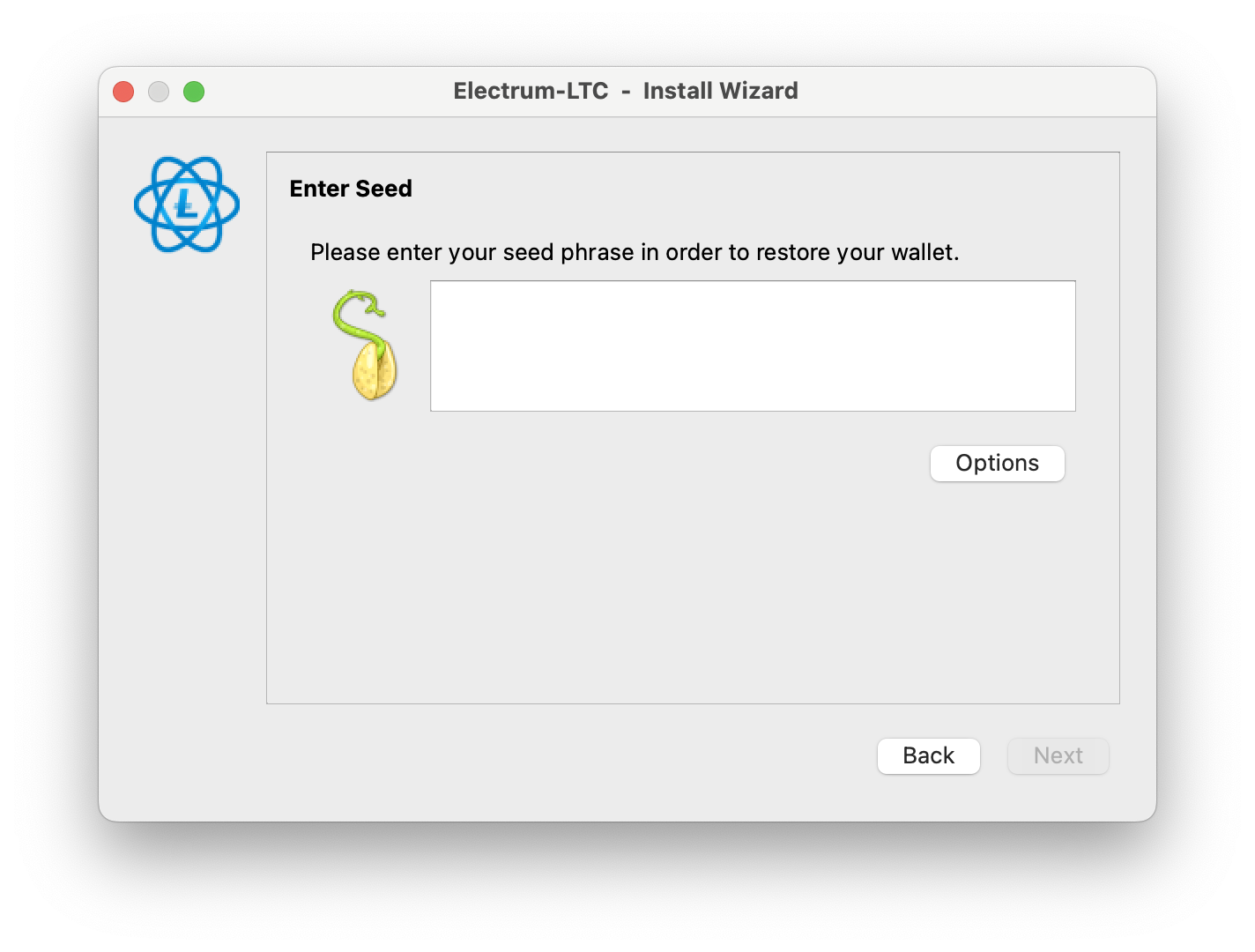
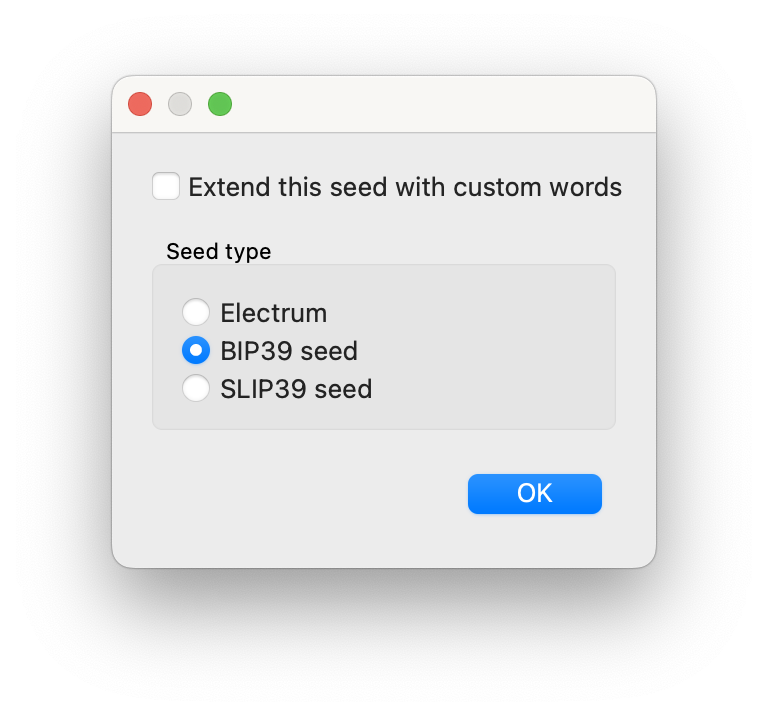
Enter your Litewallet seed. And tap “Options”, select "BIP 39 seed".
-
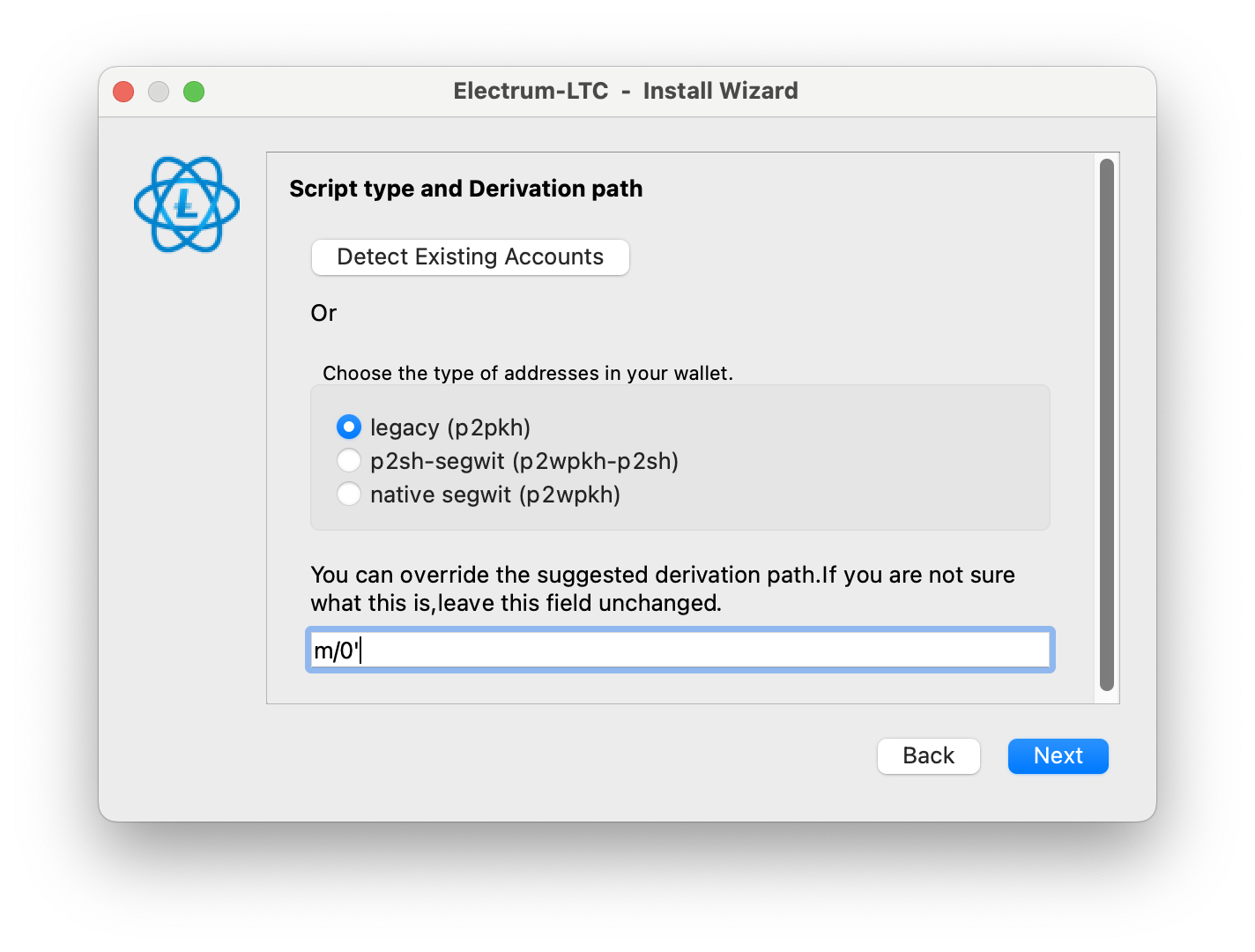
Select “legacy (p2pkh)” and enter m/0' in the text field.
-
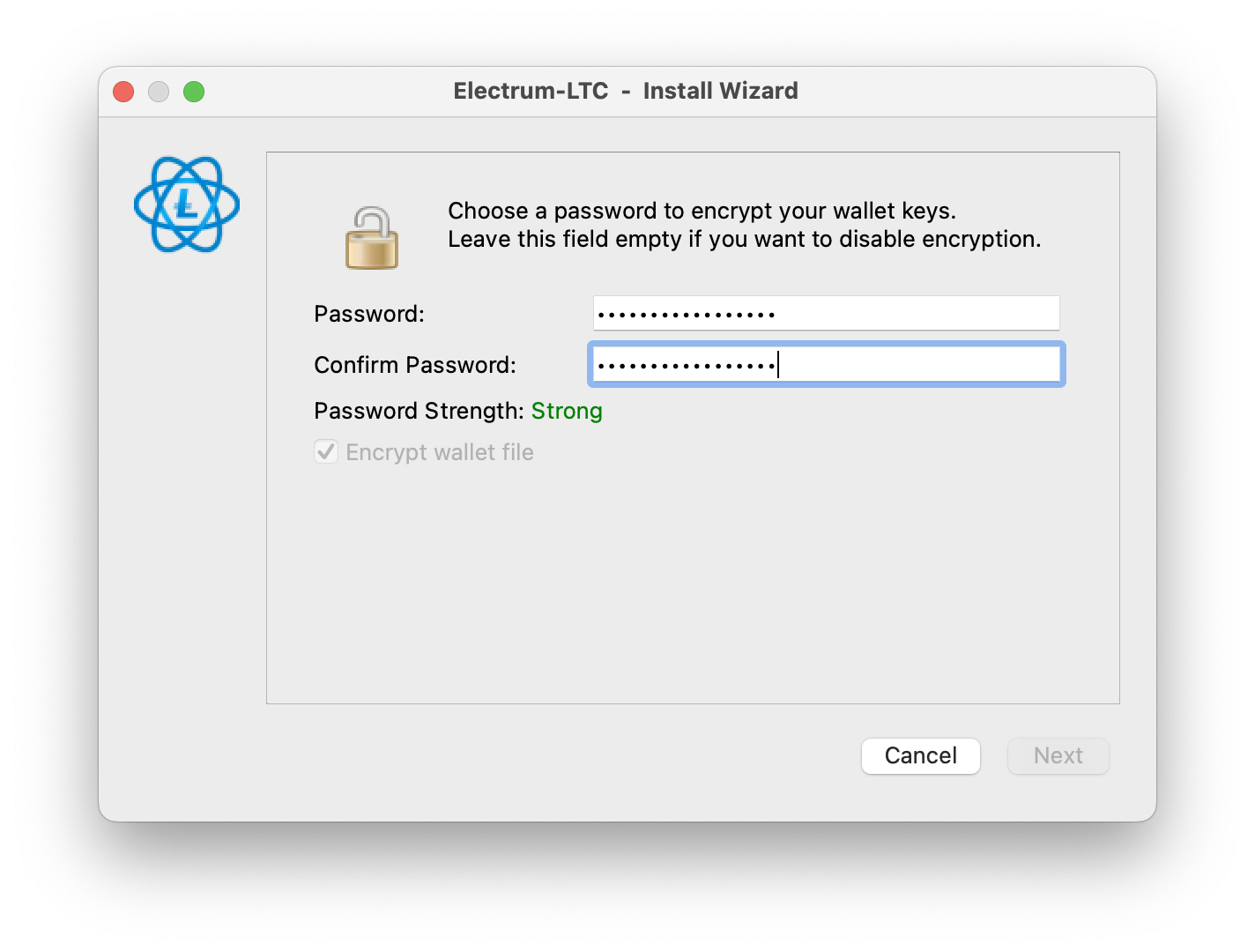
Set a password (optional, but recommended):
Adding a strong password increases security and prevents unauthorized access.
Without a password, anyone with access to your computer could steal your funds.
-
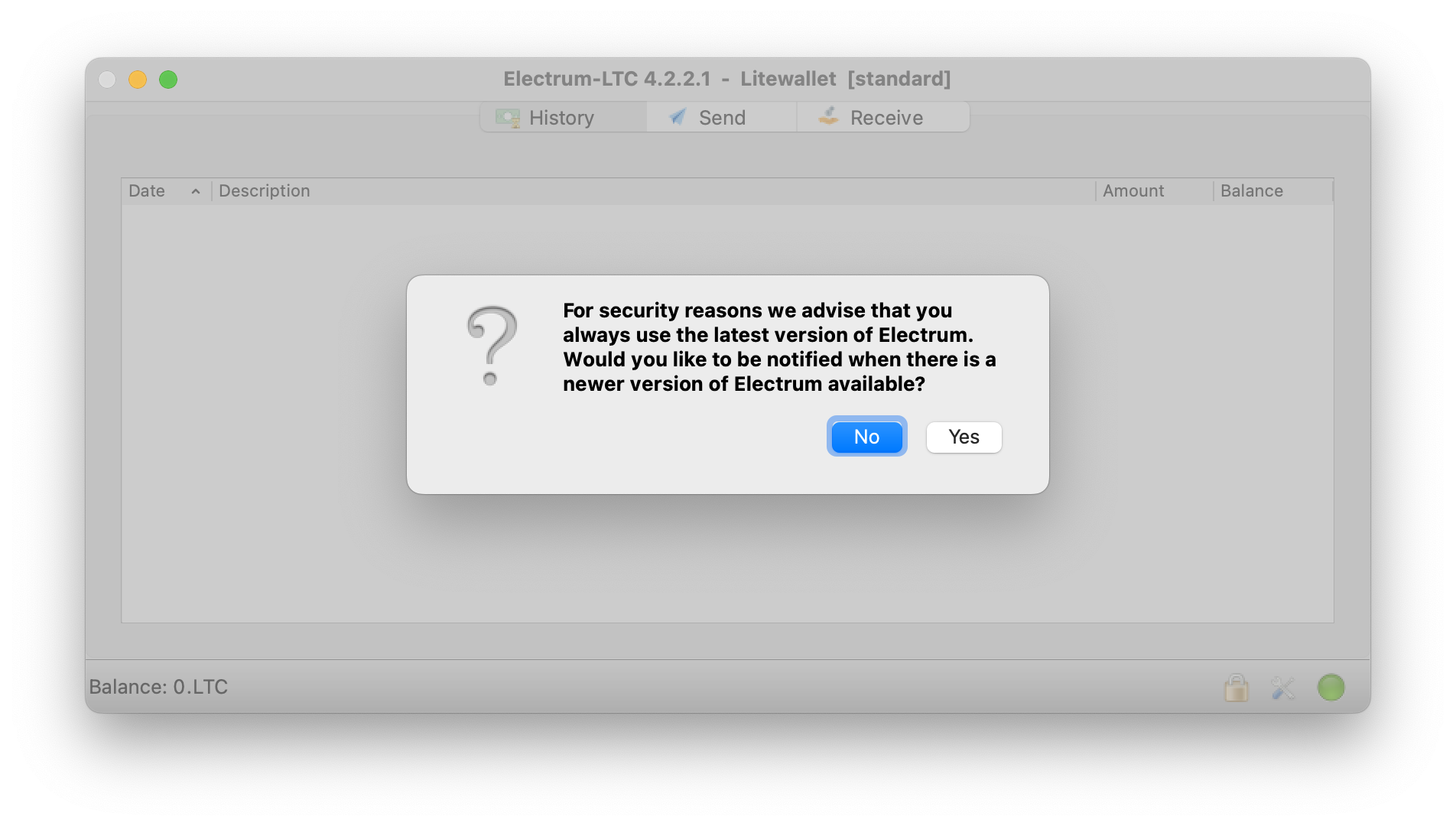
Enable notifications (optional, but recommended): This helps keep Electrum LTC updated with the latest security patches.
-
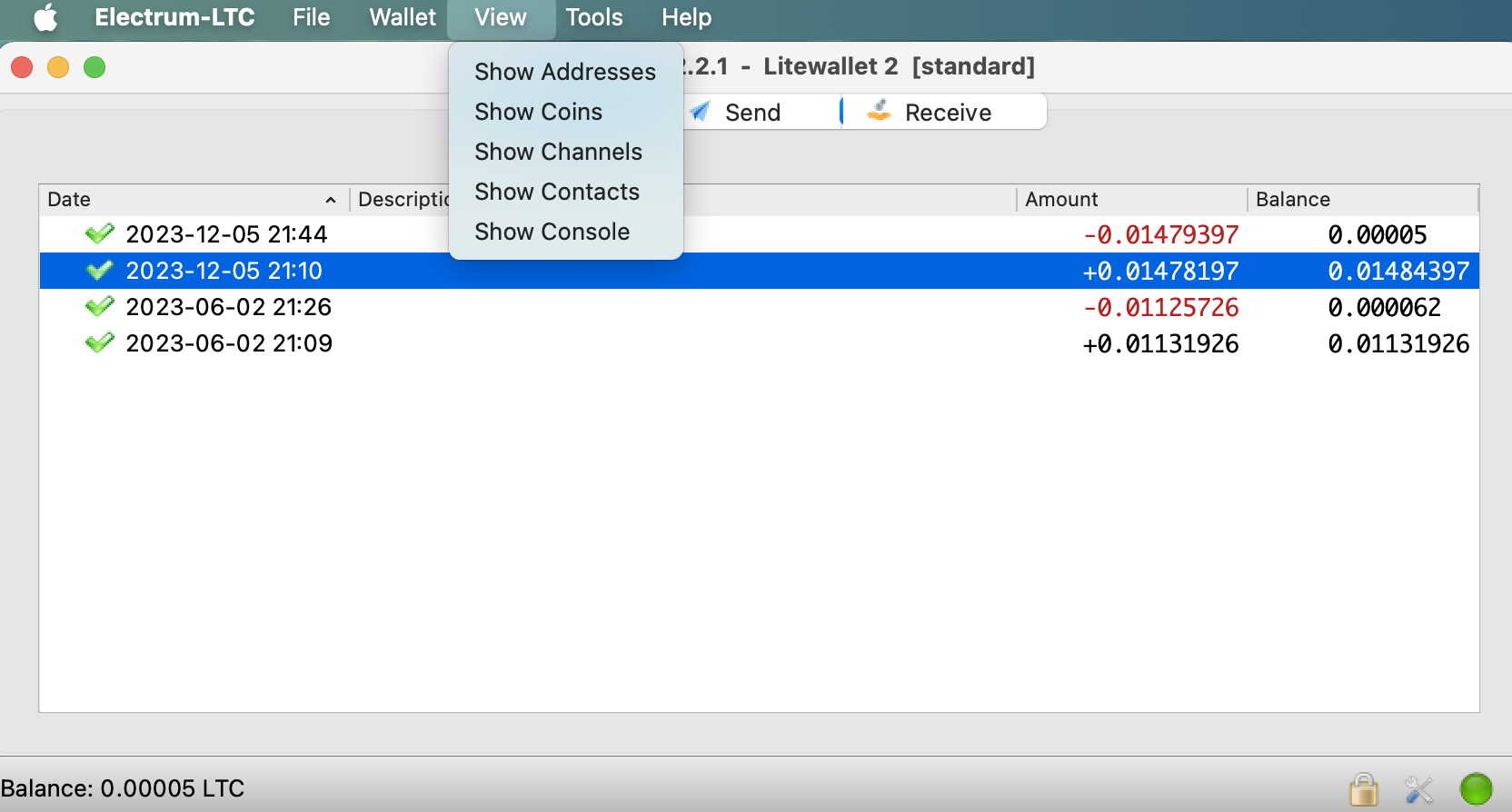
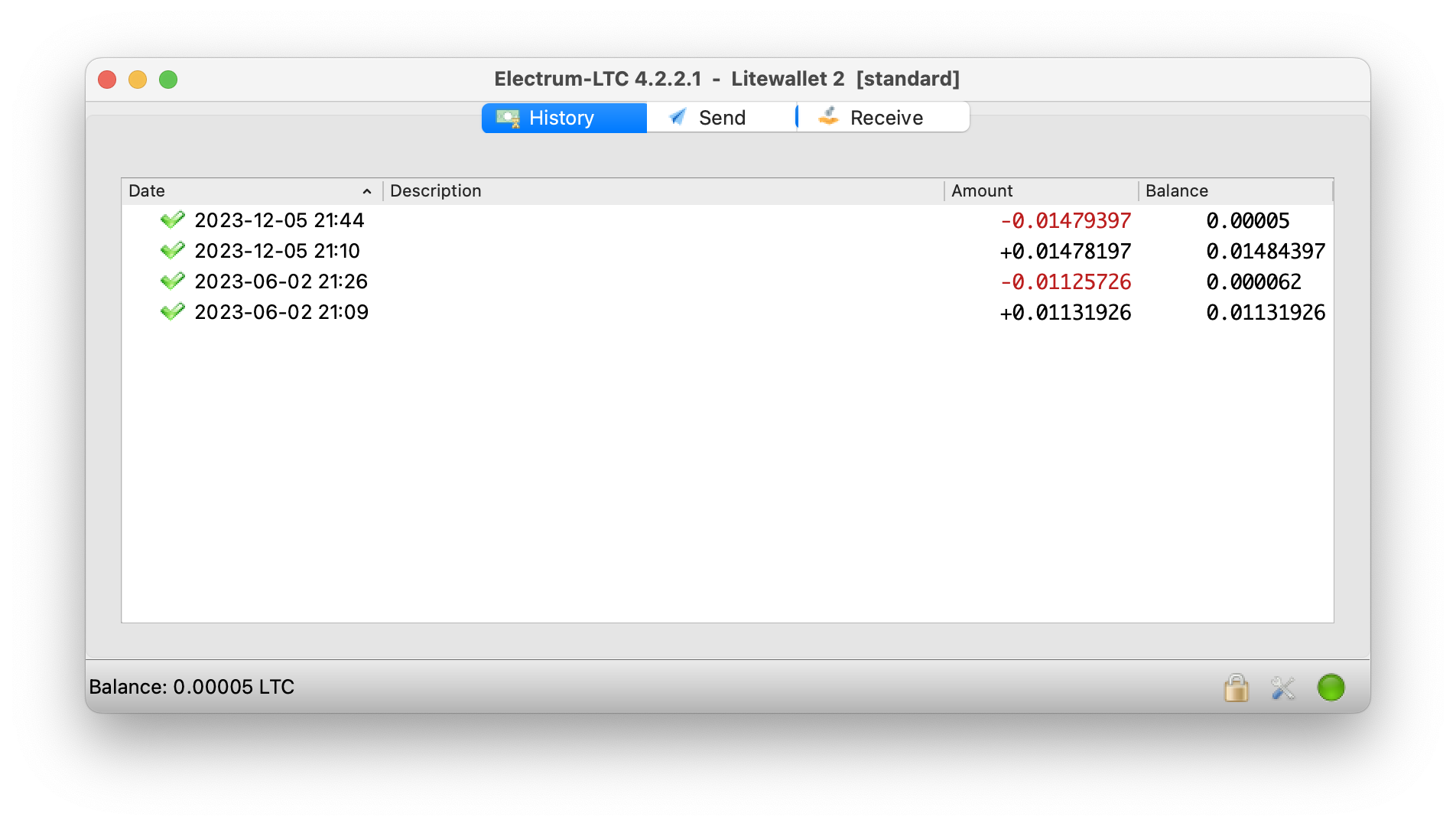
Your wallet is now ready! You can access your funds, check your balance, and send or receive LTC.
-
Explore settings: Use the top menu bar to customize your wallet or recover other wallets if needed.